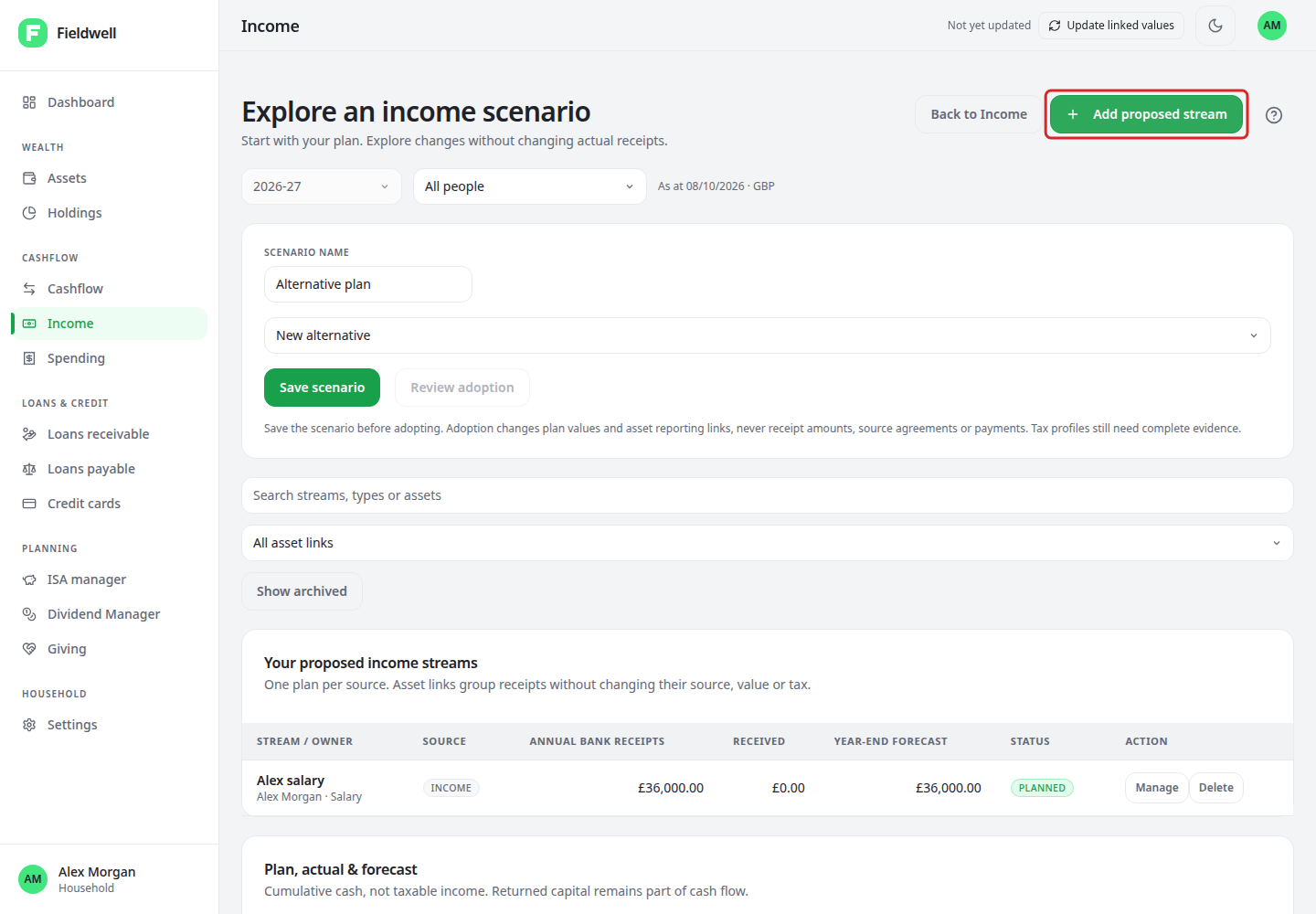
Compare an income scenario
Compare changes to planned income or reliefs without changing actual receipts.
Compare a scenario
- Open Cashflow → Income → Tax & allowances.
- Select the individual, configured year and the intended basis: annual plan, actual-to-date or year-end forecast.
- Complete the person's tax profile and include all relevant income.
- Choose Explore a scenario.
- Change proposed streams or reliefs, then save and compare the result with the current plan.
- To use it, choose Review adoption and check the changes before confirming.
Adoption creates a new main-plan version. It does not change bank transactions, receipts, loan agreements, actual pension records or donations. An old scenario cannot overwrite a newer main plan.
Read the result correctly
This is an estimate under the configured rules, not personalised advice, a tax return or a payroll calculation. The supported standard personal calculations cover England, Wales and Northern Ireland for configured years. Scotland, companies and unconfigured jurisdictions or years do not receive a supported personal estimate.
NI, CGT, specialist reliefs, foreign-tax adjustments and full Gift Aid tax-cover assessment are excluded. After-Income-Tax is not necessarily take-home pay after every deduction.
Pension inputs are net relief-at-source contributions, not salary sacrifice or net-pay deductions. Do not add recorded eligible Giving twice. Enter each person's own Child Benefit, not the same receipt in both profiles.
Check dividend tax dates separately from cash dates. Actual-to-date estimates use annual allowances, not PAYE timing. Unknown results are not zero.