Manage household contributions
Track who funds shared accounts and review a monthly commitment that reflects recorded costs.
Set up a contribution plan
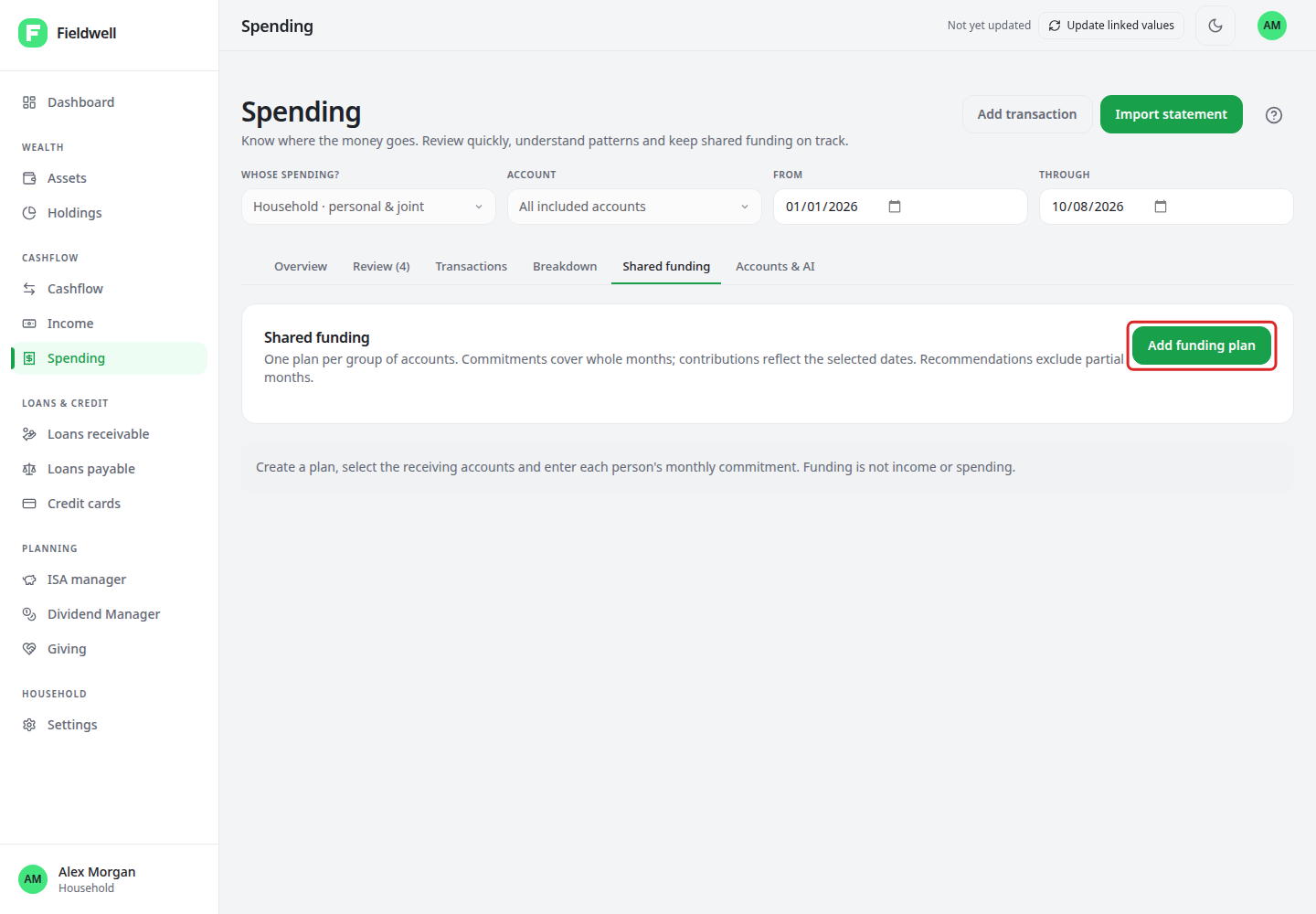
- Open Spending's Shared funding area.
- Create a named plan and select receiving bank accounts and relevant cards.
- Select the contributors and enter each person's monthly amount.
- Review and save the plan.
- Classify incoming contributions with the correct contributor and distinguish regular payments from top-ups.
Multiple plans are supported, but an account cannot belong to two plans, including historic scope. Company accounts do not belong in a household plan. Transfers within the same plan are not contributions.
Select a month in Monthly funding history to filter the contribution entries. Top-ups do not hide a missed regular payment. Leave unidentified contributors visible for review rather than guessing.
Review suggested commitments
First check complete statement coverage under Accounts & AI. Suggestions use closed, fully covered and reviewed months, not missing months treated as zero.
Choose the available three- or six-month basis, review one-off costs and optional buffer or reserve. Do not add a reserve for costs already included in history.
Suggestions use the shares implied by current monthly commitments, with rounding that preserves the total. Historic top-ups are context, not extra spending added again.
To adopt a suggestion, review and save a future plan version. Existing commitments remain in historic reports. No standing order is changed and no contributor message is sent.